

Your workforce stops waiting and starts working.
Avyna Catalog eliminates the wait for software and access by automating the entire workflow and all the technical work behind every request. The only human step left is the yes, and Microsoft Intune delivers as it always has.

The problem
What software and access requests cost your organization.
The technical work takes a minute. Everything around it takes days, and that time comes out of productive work.
- 01
Time spent waiting
Someone needs an application or access to a group, and their work waits until a help desk ticket has been read, approved and acted on.
- 02
Time spent following up
Requesters ask where things stand, managers are chased for a yes, and the service desk queue fills with questions about status.
- 03
Time spent on routine work
IT adds people to groups by hand, one request at a time, and ends up seen as the bottleneck everyone waits on, instead of working on the projects your organization depends on.
For an organization of 1 000 employees
- working days recovered a year
- 845
- of productive time recovered a year
- $185 000
- for every $1 spent on Avyna Catalog
- $20 back
Estimated from public industry benchmarks. Sources: HappySignals, Forrester on Jira Service Management, Forrester on Microsoft Intune, MetricNet, US Bureau of Labor Statistics.
What changes
A more productive organization, and a clear view of it.
Your workforce
Stops waiting and starts working
People find what they need, request it and see where it stands. At the final approval, Microsoft Intune delivers as it always has.
Managers and IT
Back to their own work
Managers decide and get back to leading their teams. IT moves off routine requests and onto the projects your organization depends on.
Decision makers
A global view
One report shows the software and groups most in demand, how many requests come in, how long decisions take and how many are approved, compared with the month before. Your entire workforce goes through the same process, and the report shows it. Export it to Excel and take it straight into your next leadership review.
How it works
From request to delivery in four steps.
01 · Connect
Connect your tenant
A Global Administrator grants consent on Microsoft’s own page. There is nothing to install on any device.
02 · Publish
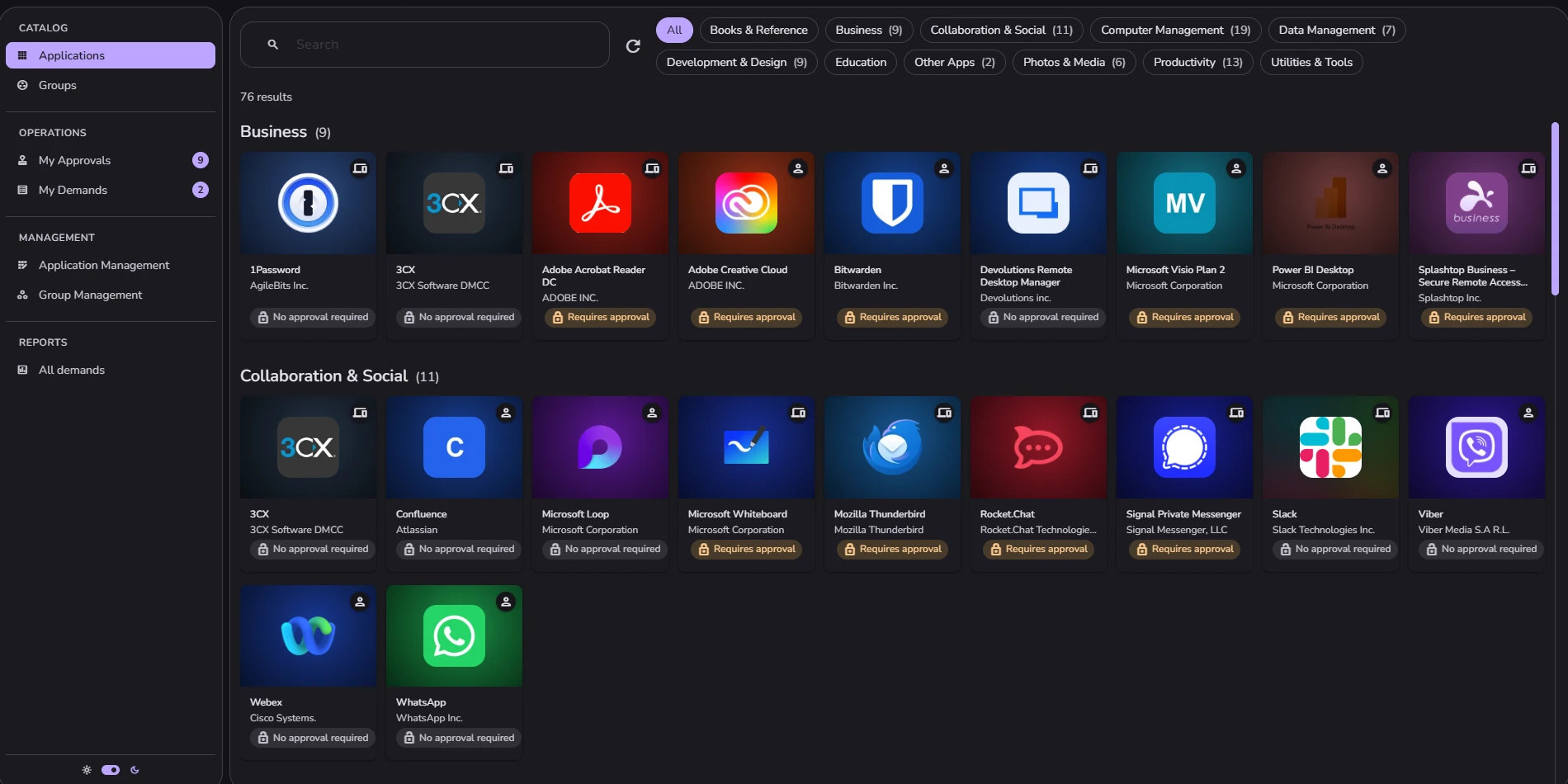
Publish your catalog
Your team picks applications and groups already in Intune, and sets who sees them and who approves them.
03 · Request
Your workforce asks
People sign in with their Microsoft work account and request what they need.
04 · Deliver
Access is granted
At the final approval, the person or their device joins the Intune group, and Intune delivers.
Alternatives
The final approval is also the delivery.
Most tools stop at the decision, and a person still has to grant the access afterwards. Drawn from public vendor documentation.
| The alternative | What it gives you | Where it stops |
|---|---|---|
| Intune Company Portal on its own | Self-service install of what IT has already assigned. | No request and no approval — eligibility is decided in advance, by hand. |
| Microsoft Entra ID Governance Full comparison | A genuine request-and-approve product, plus access that expires and recurring reviews, which Catalog does not have. | Sold per user per month as an add-on requiring Entra P1 or P2 underneath, and aimed at organizations able to run a governance programme. |
| A service-desk tool | Routing, approval, and one queue for everything. | The grant at the end is still a person doing it, unless someone builds the integration. |
| Building it in-house | Fits the organization exactly. | Somebody owns it forever, and it breaks when they leave. |
Stated plainly
What Catalog does not do.
You will find this out in a demo anyway. Here it is now, so nobody spends three weeks evaluating the wrong product.
Catalog is not for organizations that do not manage their devices with Microsoft Intune, or whose main need is access that expires and is reviewed on a schedule. For that, Microsoft Entra ID Governance is the better fit.
Time-limited or expiring access Recurring access reviews or recertification Revoking access already granted An organization-wide audit log: you get each request’s history and the request report Licence-cost tracking or reclaim Device-targeted requests for anything other than Windows and macOS devices managed by Intune Support for non-Microsoft device management Approval step types beyond the five described Self-service export or deletion of your people’s personal data A guaranteed uptime percentage Any mobile app

Available now
Set it up in about a minute.
Avyna Catalog eliminates the wait for software and access, and raises productivity in every department.